Clean cooled flat-iron plates
Remove visible styling residue from the surfaces your tool’s manual permits you to clean. Gentle wiping avoids scraping the plate coating or wetting electrical parts.
Step by step
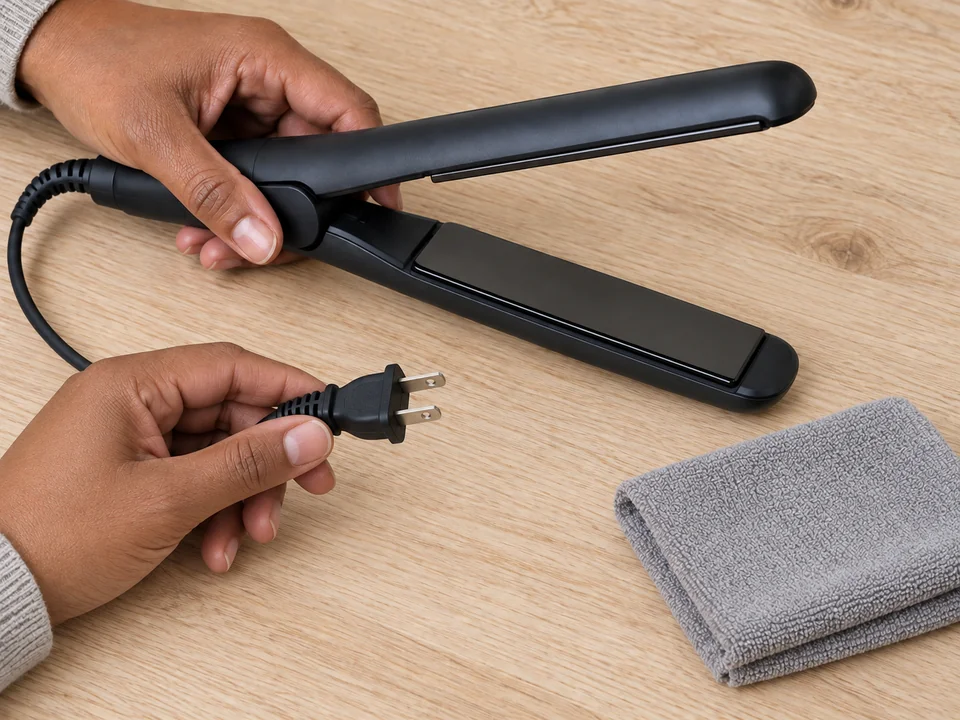 STEP 1 OF 3
Unplug and let the iron cool
- Switch off and unplug the iron. Leave it on its safe resting surface until completely cold; check the manual before cleaning.
- Prepare a soft cloth as directed, without dripping water. Keep the disconnected plug and tool away from sinks and wet surfaces.
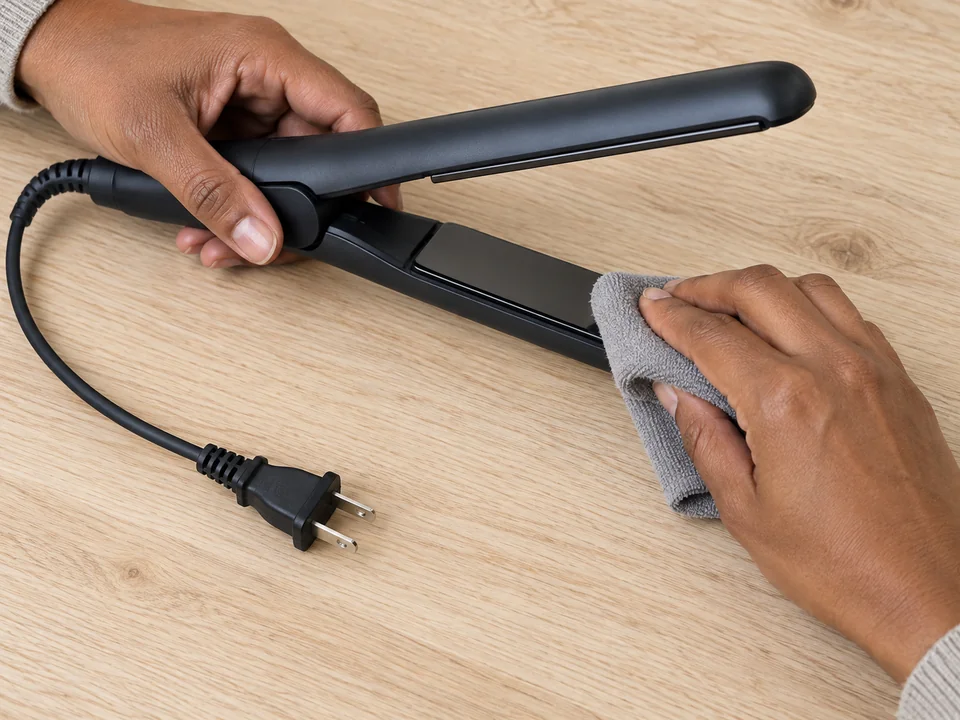 STEP 2 OF 3
Wipe permitted plate surfaces
- Steady the handle with one hand or rest the open iron securely. Wipe each permitted plate gently with the cloth, using a clean area as residue comes off.
- Keep moisture away from seams, controls, hinge and cord. If residue stays stuck, stop rather than scraping or heating the plates.
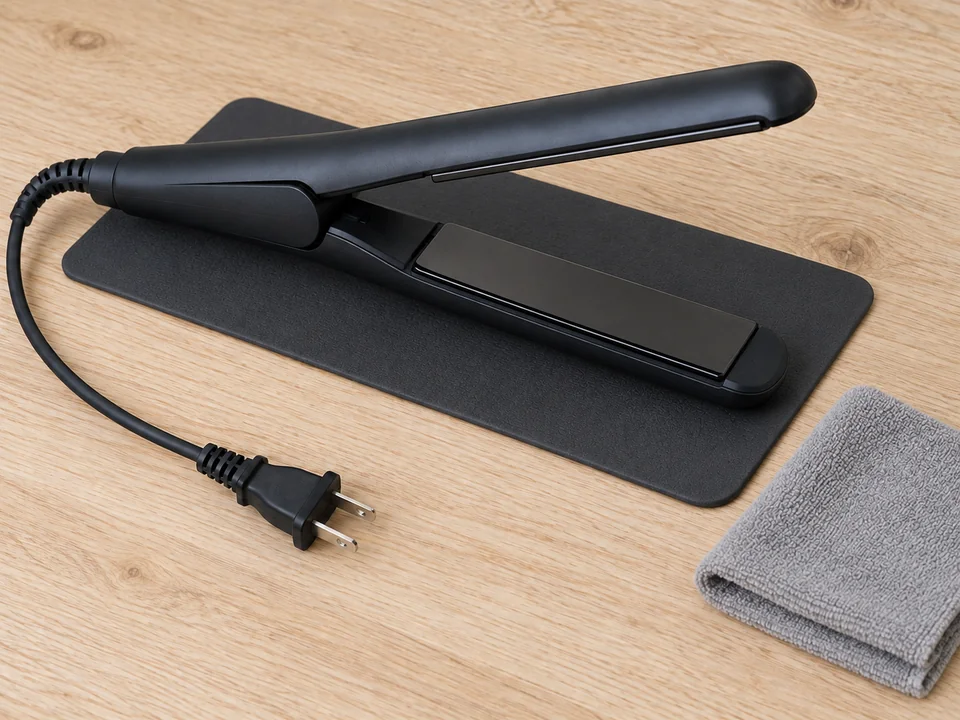 STEP 3 OF 3
Dry fully and inspect
- Leave the unplugged iron on a dry safe surface until every cleaned area is completely dry. Do not plug it in to speed drying.
- Check the plates, cord and housing for damage. Store as directed only when dry; do not use a damaged tool.
- Wash or replace the cloth and clean the work surface.
Wiping one cold flat iron. Cooling and drying time are additional and vary with the tool and conditions.
You’re done when…
Permitted surfaces are free of removable residue and the entire tool is completely dry before it is stored or connected again.